
How to Start a Shopify Store in the UK: A Complete Step-by-Step Guide (2026)
Learn how to start a Shopify store in the UK in 2026 with this step-by-step guide. Discover how to choose products, set up your Shopify store, understand UK VAT requirements, configure payments and shipping, and launch your business. Whether you're based in the UK or selling to UK from abroad.

Nov 4, 2026 · 23 min read
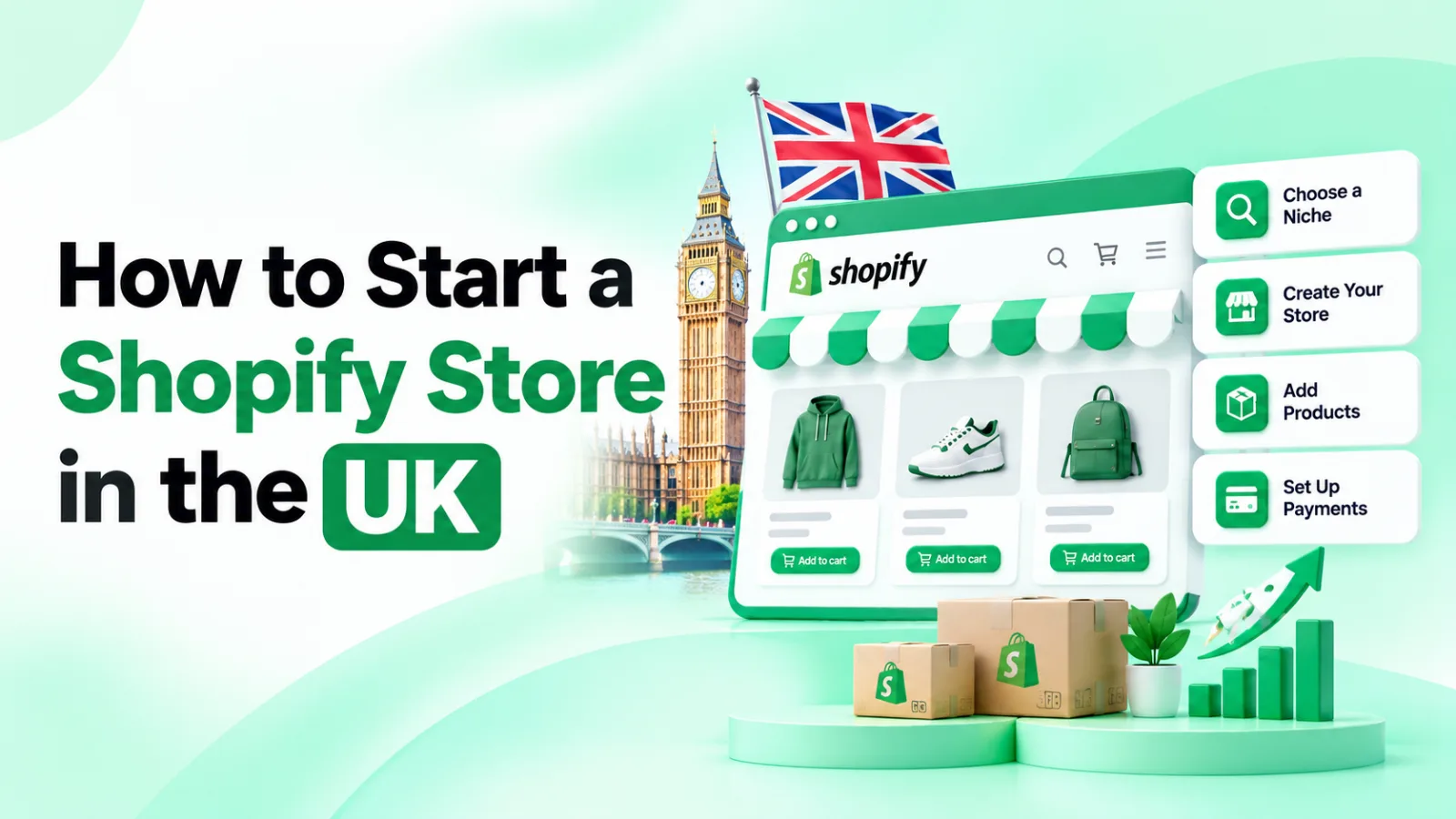
Starting a Shopify store in the UK can be an opportunity to build an online business without developing a website from scratch. Whether you're a UK resident launching your first business or an international entrepreneur targeting British customers, Shopify provides the tools to create a storefront, manage products, accept payments and process orders.
However, launching a successful store involves more than choosing a theme and uploading products. You also need to understand UK business requirements, arrange payments and delivery, configure VAT correctly and attract customers.
This guide explains how to start a Shopify store in the UK, including the setup process, costs, tax considerations and practical steps for both UK-based and international sellers.
Can You Start a Shopify Store in the UK?
Yes. Shopify can be used by entrepreneurs based in the UK and by international businesses that want to sell to UK customers.
However, the setup requirements are not identical. Your location, business structure, product origin and fulfilment arrangements can affect which rules apply.
UK-based sellers vs international sellers
Consideration | UK-based seller | International seller targeting the UK |
|---|---|---|
Business location | Business operates from the UK | Business operates outside the UK |
Business registration | Choose an appropriate UK business structure | Check registration requirements in your home country and whether UK registration is necessary |
Payment providers | Apply for providers available to eligible UK businesses | Check providers available in your business's country |
VAT | Usually consider the £90,000 UK registration threshold and other applicable rules | May need UK VAT registration from the first taxable UK supply |
Shipping | Arrange UK domestic fulfilment or delivery | Choose UK-based fulfilment or international shipping |
Customs | Usually simpler for domestic UK deliveries | Import duties, customs declarations and import VAT may apply |
Returns | Arrange a UK returns process | Consider a UK returns address or suitable returns provider |
Currency | Usually uses GBP for UK customers | Can configure suitable international selling and currency options |
Example: Imagine two entrepreneurs selling the same skincare product to UK customers.
The first operates from Manchester and stores products in the UK. The second operates from Pakistan and ships products directly to British customers.
Both can create Shopify stores, but their payment eligibility, VAT treatment, customs arrangements and delivery responsibilities may differ.
If you're selling from overseas, establish where your goods are located when they're sold and who is responsible for importing them. These details can materially change your tax obligations.
For official guidance, consult HMRC's VAT registration guidance and GOV.UK's business setup guidance.
Step 1: Choose Your Products and Validate Your Niche
Before creating your store, decide what you want to sell and who your customers will be.
A product may look attractive, but that doesn't necessarily mean it has enough demand or a profitable margin. Research your market before investing in stock or advertising.
Some categories worth exploring in the UK include:
Home and kitchen accessories
Beauty and personal-care products
Clothing and fashion accessories
Pet supplies
Fitness and outdoor equipment
Personalised gifts
Sustainable household products
Specialist hobby products
These are starting points for research, not guaranteed profitable niches.
How to research product demand
Use a combination of search research, competitor analysis and customer feedback.
Google Search: Search for your product ideas and examine the businesses already appearing in results.
Google Trends: Compare interest in product categories in the UK over time. Remember that Trends shows relative interest, not exact monthly search volumes.
Competitor websites: Compare prices, product ranges, delivery offers, customer reviews and positioning.
Customer reviews: Look for recurring complaints about existing products. These can reveal opportunities to improve your offering.
Supplier research: Compare product quality, minimum order quantities, fulfilment times and return arrangements.
Calculate your product profit
Before choosing a product, estimate how much money remains after the main costs of a sale.
For example, imagine a store sells an item for £40:
Cost | Example amount |
|---|---|
Product purchase | £12.00 |
Packaging | £2.00 |
Delivery | £4.00 |
Payment processing allowance | £1.50 |
Advertising cost per sale | £7.00 |
Total estimated costs | £26.50 |
Remaining amount | £13.50 |
The £13.50 is a contribution before other overheads, refunds, applicable taxes and business expenses. It is not necessarily your final profit.
If you're VAT-registered, calculate your selling price and margins using the correct VAT treatment rather than assuming the full customer payment is revenue.
Step 2: Create Your Shopify Account
Once you've selected a product idea, create your Shopify account.
Visit Shopify's UK website.
Select the option to start a store.
Enter your email address and create your account.
Complete the initial setup questions.
Open your Shopify admin dashboard.
You can begin designing your store while you finalise your product range and business arrangements.
Choose the right Shopify plan
Shopify offers several subscription plans. For a new business, the Basic plan is generally the starting point to consider.
At the time of writing, Shopify's UK pricing page lists the Basic plan at £19 per month when billed annually, or £25 per month when billed monthly. Promotional offers and prices can change, so verify the current terms before subscribing.
Plan | Example annual-billing price | Suitable for |
|---|---|---|
Basic | £19/month | Individual entrepreneurs starting out |
Grow | £49/month | Small teams and growing businesses |
Advanced | £259/month | Businesses needing more advanced features |
Plus | From £1,800/month | Larger or more complex operations |
These are advertised prices, not a complete estimate of your operating costs. Payment processing, apps, themes, fulfilment and other services may cost extra.
Compare the latest Shopify UK plans and pricing before choosing.
My recommendation: Start with the Basic plan unless you already know you need features from a higher tier. You can upgrade when your business requirements change.
Step 3: Choose and Customise Your Shopify Theme
Your theme determines how your storefront looks and how customers interact with your products.
Shopify offers free and paid themes. A free theme can be enough to launch a professional store, particularly if you're testing a new business idea.
How to add and customise a theme
Follow these steps in your Shopify admin:
Open Online Store in the left-hand navigation.
Select Themes.
Browse the available free themes or visit the Shopify Theme Store.
Add your preferred theme to your store.
Select Customize or open the theme editor.
Edit the homepage sections, colours, typography and layout.
Preview the design on desktop and mobile.
Save your changes.
Shopify recommends duplicating your theme before making significant changes, so you have a backup if you need to reverse them.
You can follow the official Shopify theme customisation instructions.
What should you look for in a theme?
Choose a theme that offers:
Mobile-friendly layouts
Clear product information
Easy navigation
Product filtering where needed
Customisable homepage sections
Good image presentation
Compatibility with your essential apps
A theme should make it easy for customers to understand your products and complete a purchase. Avoid unnecessary animations and design elements that distract from shopping.
If you need help comparing options, explore our guide to the best Shopify themes for different types of online stores.
Step 4: Add Products and Create Collections
Your product pages are where customers make purchasing decisions. They should provide accurate information, clear images and enough detail to answer common questions.
How to add a product in Shopify
Open your Shopify admin.
Select Products from the left-hand menu.
Click Add product.
Enter the product title.
Write your product description.
Upload product images or videos.
Set the price and product cost.
Add inventory information and SKU details.
Configure variants such as size or colour.
Add product weight where relevant for shipping calculations.
Review the product's search engine listing.
Click Save.
Shopify provides an official walkthrough in its Adding and updating products guide.
Write useful product descriptions
Avoid copying supplier descriptions without editing them. Explain the product in language that helps customers understand its value.
A good description should cover:
What the product is
Who it is suitable for
Main features and benefits
Materials and dimensions
Available sizes or colours
Usage and care instructions
Important limitations or product warnings
Use original descriptions and make sure every claim is accurate.
Organise your products into collections
Collections group related products together so customers can browse your store more easily.
For example, a home accessories store might create:
Kitchen Accessories
Home Storage
Bedroom Essentials
Cleaning Products
New Arrivals
Best Sellers
Use clear names and logical categories rather than creating dozens of overlapping collections.
Step 5: Create Essential Store Pages
Before launching, make sure your store includes the information customers need to understand your business and purchase with confidence.
Create these pages:
Page | What to include |
|---|---|
About Us | Your business, brand story and products |
Contact Us | Working email address and suitable contact details |
Shipping Policy | Delivery costs, regions, times and restrictions |
Returns and Refunds | Return procedure, eligibility and refund information |
Privacy Policy | How customer information is collected and used |
Terms and Conditions | Terms applying to website use and purchases |
FAQ | Answers to common customer questions |
You can manage Shopify's policy settings through Settings > Policies in your admin. Review the available templates carefully and customise them to match your actual business.
Do not publish generic policy wording that promises services you cannot provide.
Step 6: Connect a Custom Domain
Your domain is the web address customers use to visit your store.
For example:
yourbrand.co.ukyourbrand.comshop.yourbrand.com
A branded domain is easier to recognise and can make your store look more professional.
How to connect your domain
Open your Shopify admin.
Select Settings.
Click Domains.
Choose whether to buy a new domain or connect an existing one.
Follow the displayed instructions.
Complete any required DNS changes with your domain provider.
Verify the connection.
Set your preferred domain as the primary domain.
Shopify explains the process in its Domains documentation.
Choose a domain that is easy to spell, reflects your brand and does not infringe another business's trademark.
A .co.uk domain may be appropriate for a UK-focused brand, while .com can suit a business planning to sell internationally.
Step 7: Configure Shopify Payments and Other Payment Methods
Customers need a secure and convenient way to pay.
Payment-provider availability depends on the country where your business is established, not simply the country where your customers live.
This is particularly important for international entrepreneurs. A business operating from overseas should not assume it can use every payment method available to UK-based merchants.
How to configure payment methods
Open your Shopify admin.
Select Settings.
Click Payments.
Review the payment providers available to your business.
Select an eligible provider.
Follow its account setup and verification instructions.
Provide the requested business and banking information.
Review processing fees and payout arrangements.
Test your checkout before launching.
You may need to provide identity documents, business information, a business address and bank account details.
Depending on eligibility, payment methods may include:
Debit and credit cards
PayPal
Digital wallets
Other supported local payment methods
Check the official Shopify payment provider guidance to see which options are available for your business location.
Before selecting a provider, compare transaction fees, supported currencies, payout schedules, chargeback procedures and any additional charges.
Step 8: Set Up Shipping and Fulfilment for UK Customers
Your fulfilment strategy determines where products are stored, who prepares orders and how deliveries reach customers.
There are several approaches:
Fulfilment model | How it works | Considerations |
|---|---|---|
Self-fulfilment | You store and dispatch products | Requires storage, packaging and time |
UK third-party fulfilment | A UK fulfilment company stores and ships products | Adds fulfilment and storage fees |
Dropshipping | A supplier dispatches products directly to customers | You still manage customer service and order issues |
Print-on-demand | Products are produced after an order | Useful for customised products |
Overseas dispatch | Products are shipped from outside the UK | Customs, delivery times and import arrangements matter |
For UK deliveries, compare suitable carriers such as Royal Mail, DPD, Evri and other providers serving your delivery areas.
How to configure shipping in Shopify
For stores using the standard shipping profile interface:
Open Settings in your Shopify admin.
Select Shipping and delivery.
Open the relevant shipping profile.
Review the shipping zones.
Select Add zone if you need a new delivery region.
Choose the countries or regions you want to serve.
Select Add shipping option.
Enter a shipping name, such as Standard Delivery.
Choose the rate type, such as flat rate, order value or weight.
Enter the applicable price and conditions.
Save your changes.
Shopify is gradually moving some stores to shipping options by market, so the exact interface can differ. Follow the options displayed in your admin.
Read the official Shopify shipping zones and rates guide.
What should your UK shipping policy include?
Explain:
Which locations you deliver to
Available delivery methods
Shipping charges
Estimated delivery times
Order processing times
Tracking arrangements
International delivery conditions
How customers can report missing or damaged orders
If you ship from overseas, be clear about possible customs charges and delivery delays. Do not promise delivery times that your supplier or carrier cannot reliably meet.
Step 9: Understand UK VAT and Configure Dual Pricing
VAT is one of the most important financial considerations when starting a Shopify store in the UK.
Your VAT obligations depend on your business location, taxable supplies, product type, customer location and fulfilment arrangements.
What is the UK VAT registration threshold?
The standard UK VAT registration threshold is £90,000 in taxable turnover.
A UK-established business generally needs to register if:
Its taxable turnover for the previous 12 months exceeds £90,000; or
It expects its taxable turnover to exceed £90,000 in the next 30 days.
The threshold applies to taxable turnover, not simply your profit.
Read the latest HMRC VAT threshold guidance.
Important: VAT rules for international sellers
If your business is established outside the UK, do not assume the £90,000 threshold applies to you.
HMRC states that an overseas business generally needs to register if it is based outside the UK and makes taxable supplies in the UK, regardless of turnover. The precise treatment depends on the nature and location of the supply and any applicable exceptions or special arrangements.
For example, the VAT position can differ depending on whether goods are already in the UK when sold, are imported after the sale, or are sold through an online marketplace.
Check HMRC's VAT registration rules and obtain professional advice if you're selling from overseas.
Understand VAT-inclusive and VAT-exclusive pricing
The standard UK VAT rate is 20% for most goods and services, although some products have different VAT treatments.
For a VAT-registered business selling standard-rated products, consumer-facing prices are generally displayed inclusive of VAT.
However, businesses that sell to both consumers and other businesses may want to display prices with and without VAT.
This is known as dual pricing.
Worked example: How Shopify VAT dual pricing works
Imagine your store sells an item with a price of £120, including VAT at 20%.
The calculation is:
Price component | Amount |
|---|---|
Price before VAT | £100 |
VAT at 20% | £20 |
Consumer price including VAT | £120 |
The VAT-exclusive amount is calculated by dividing the VAT-inclusive price by 1.20:
£120 ÷ 1.20 = £100
The VAT element is £20.
For a business customer, the store might display:
<escape>
Consumer price: £120 (including VAT)
Business price: £100 (excluding VAT)
</escape>
However, this distinction is about displaying the price, not automatically changing the tax treatment of the transaction.
If a UK VAT-registered seller makes a standard-rated taxable supply to a UK business customer, VAT will generally still be charged. A qualifying business customer may be able to reclaim that VAT under the normal rules.
An ex-VAT display does not by itself make a sale zero-rated or VAT-free. Special rules, such as reverse-charge treatment, may apply in particular transactions.
Why do Shopify stores use dual VAT pricing?
Dual pricing can be useful for:
Wholesale stores
Trade suppliers
B2B and B2C businesses
Stores selling to VAT-registered business customers
Businesses that want to make their pricing clearer to different audiences
It helps customers understand the underlying price and the VAT component without having to calculate it themselves.
How to display prices with and without VAT on Shopify
Shopify provides tax settings that control how taxes are calculated and whether prices include tax.
To review your configuration:
Open your Shopify admin.
Go to Settings.
Select Taxes and duties.
Review the UK tax setup and registration details.
Check the tax calculation settings.
Confirm whether product prices include tax.
Review the treatment of shipping and any product-specific tax rules.
Save the settings and test your store.
Shopify's UK tax services have changed. Basic Tax is available for UK stores that were already configured to collect UK tax before 13 May 2026. If your store does not have access to Basic Tax, Shopify Tax or manual tax settings may be available instead.
See Shopify's UK tax setup documentation and instructions for managing UK tax calculations.
Shopify can help calculate tax, but it does not file or remit your VAT returns for you. You're responsible for ensuring that the correct tax is charged and reported.
Use Pluginos VAT Dual Prices to display both prices
If your Shopify store sells to both B2C and B2B customers, displaying VAT-inclusive and VAT-exclusive prices can make product pricing easier to understand.
The Pluginos VAT Dual Prices app for Shopify is designed to help merchants display both prices on their storefront.
For more information about the concept, read our guide to Shopify VAT dual pricing and displaying prices with and without VAT.
Remember that a dual-pricing display app is not a substitute for VAT registration, correct tax configuration, VAT calculations, tax returns or professional tax advice. Configure your underlying Shopify tax settings correctly before using a dual-pricing feature.
Step 10: Understand UK Business and Legal Requirements
Your store must comply with the rules that apply to your business and products.
Choose a business structure
For UK-based entrepreneurs, two common structures are:
Sole trader: A relatively straightforward structure. You operate the business personally and are responsible for its debts.
Limited company: A separate legal entity with its own reporting, filing and administrative responsibilities.
The right choice depends on your circumstances, expected growth, risk and tax position.
GOV.UK explains the differences in its business setup guidance.
International entrepreneurs should also check their home country's business registration and tax requirements. Selling to UK customers does not automatically mean you must establish a UK limited company, but some business activities may create UK registration or tax obligations.
Follow consumer protection requirements
When selling online to UK consumers, you must provide clear information about products, prices, delivery and cancellation rights.
For many online purchases, consumers can cancel within 14 days after receiving the goods. They then generally have another 14 days to return them after notifying the seller.
There are exceptions, including certain personalised and perishable products.
Read GOV.UK's online and distance selling guidance and returns and refunds rules.
Protect customer information
Your store may collect names, addresses, email addresses and other personal information.
You should:
Publish an accurate privacy policy.
Explain how customer information is used.
Use appropriate security measures.
Review cookie and tracking practices.
Obtain appropriate consent for marketing.
Understand applicable UK GDPR and data protection requirements.
The Information Commissioner's Office provides official data protection guidance.
Check product safety and labelling requirements
Some products have additional legal requirements. This can include cosmetics, food, supplements, toys, electronics and children's products.
Check applicable safety standards, labelling, documentation and import requirements before listing products for sale.
Step 11: Optimise Your Shopify Store for SEO
Creating a Shopify store does not automatically bring visitors from Google. Search engine optimisation helps search engines understand your pages and helps potential customers discover your products.
Research relevant keywords
Start with the search phrases your target customers use.
For example, a store selling reusable bottles might target:
Reusable water bottles UK
Stainless steel water bottle
Insulated water bottle
Leakproof water bottle
Reusable bottle for work
Choose keywords based on the actual product and search intent. Don't try to target every phrase on a single page.
Optimise product pages
For each important product:
Write a descriptive page title.
Create an original product description.
Use relevant keywords naturally.
Add descriptive image alt text.
Include useful product specifications.
Use a clear URL handle.
Add relevant internal links where appropriate.
To edit a product's search listing:
Open Products in your Shopify admin.
Select the product.
Find the Search engine listing section.
Click the edit icon.
Enter your SEO page title and meta description.
Review the URL handle.
Save your changes.
Create useful blog content
A blog can attract people researching products before making a purchase.
For example:
A beauty store can publish skincare guides.
A home store can publish room organisation tips.
A fitness store can publish equipment comparisons.
A pet store can publish product care and buying guides.
Connect relevant articles to product and collection pages so visitors can move naturally from research to shopping.
Check technical SEO
Also make sure:
Your website works on mobile devices.
Important pages can be indexed.
Broken links are fixed.
Images are optimised.
Navigation is clear.
Your website uses HTTPS.
Your sitemap is submitted to Google Search Console.
You can monitor search visibility and indexing using Google Search Console.
Step 12: Market Your Shopify Store
After your store is ready, focus on attracting relevant visitors and converting them into customers.
Social media marketing
Choose platforms based on your product and audience.
Instagram: Visual products, fashion, beauty and lifestyle.
TikTok: Product demonstrations and short-form videos.
Facebook: Community building and advertising.
Pinterest: Inspiration, home products, fashion and gift ideas.
Publish useful content that shows how your products work and why customers might need them.
Email marketing
Build an email list and use it to communicate with interested customers.
Useful campaigns include:
Welcome emails
New product announcements
Promotional offers
Abandoned checkout reminders
Order updates
Customer retention campaigns
Follow applicable privacy and marketing consent requirements.
Paid advertising
Google Ads and social media advertising can help you reach potential customers, but start with a controlled budget.
Monitor:
Advertising spend
Cost per click
Conversion rate
Cost per customer acquired
Average order value
Revenue and contribution after costs
Don't judge a campaign by clicks alone. Focus on whether it generates profitable orders.
Choose useful Shopify apps
Apps can help with marketing, reviews, upselling, customer support and store management.
Before installing an app, check its features, compatibility, reviews, support and pricing.
Explore our guide to the best Shopify apps to increase sales and conversions for ideas on tools that may support your growth.
Step 13: Understand the Cost of Starting a Shopify Store in the UK
Your startup budget depends on whether you hold inventory, use dropshipping, purchase a premium theme or invest in paid marketing.
The following example shows a lean store using a free theme and a small initial product range.
Example: Lean Shopify startup budget
Expense | Illustrative amount | Type |
|---|---|---|
Shopify Basic plan | £19/month | Recurring, annual billing |
Domain | £15 | Usually annual |
Shopify theme | £0 | One-time |
Initial inventory | £500 | Initial stock |
Packaging materials | £50 | Initial stock |
Product photography | £50 | Initial estimate |
Initial marketing budget | £150 | Launch budget |
Essential apps | £0 | Initial setup |
Estimated initial outlay | £765 | Includes first £19 subscription payment |
This is an illustrative example, not a fixed cost of opening a store. The domain, inventory, photography and marketing amounts are planning assumptions. Actual costs will depend on your suppliers and business model.
Estimate your recurring costs separately
Recurring expense | Example planning allowance |
|---|---|
Shopify Basic | £19/month with annual billing, subject to current pricing |
Essential apps | £0–£30/month |
Marketing | £100–£300/month |
Accounting software | Depends on provider |
Fulfilment and storage | Depends on order volume |
Payment processing fees, shipping, refunds, insurance, professional advice and other operating costs may also apply.
For a dropshipping business, the initial inventory cost may be lower, but you still need to account for supplier charges, shipping, returns and marketing.
For a business importing stock into the UK, include freight, customs, import VAT and any applicable duties in your financial plan.
How to keep startup costs under control
Begin with a free Shopify theme.
Launch with a small, focused product range.
Avoid unnecessary paid apps.
Compare suppliers before purchasing stock.
Test organic marketing before committing to large advertising budgets.
Track recurring expenses separately from one-time setup costs.
The aim is to understand the full cost of acquiring and serving a customer, not just the Shopify subscription.
Step 14: Test Your Store Before Launch
Before announcing your store, test the full shopping experience.
Use this checklist:
Check the website on desktop and mobile.
Review product titles and descriptions.
Test product images and variants.
Check inventory availability.
Review collection pages and navigation.
Test your shopping cart.
Check payment-provider settings.
Review shipping rates for different UK addresses.
Check VAT calculations and displayed prices.
Review privacy, shipping and returns policies.
Test contact forms and customer emails.
Connect your custom domain.
Remove sample content and placeholder products.
Place a test order using an available testing method.
Disable test payment mode before accepting real orders.
Testing helps identify issues before customers encounter them.
Frequently Asked Questions
Can a beginner start a Shopify store in the UK?
Yes. Shopify provides themes and built-in tools that allow beginners to create a store without advanced coding skills. You'll still need to learn about product research, payments, shipping, taxes and marketing.
Can I start a Shopify store in the UK from Pakistan or another country?
Yes, international entrepreneurs can use Shopify to target UK customers. However, payment-provider availability depends on the business's location. You should also check UK VAT, customs, fulfilment and returns requirements before selling.
Do I need a UK company to sell on Shopify in the UK?
Not necessarily. Some entrepreneurs operate as sole traders, while others establish limited companies. An overseas business may also be able to sell to UK customers without automatically forming a UK company. The correct position depends on the business activities and applicable legal and tax rules.
Do I need to register for VAT before selling on Shopify?
Not every UK-based business needs to register immediately. The standard threshold is £90,000 in taxable turnover, subject to the applicable rules. Overseas businesses making taxable supplies in the UK may need to register regardless of turnover.
Can I use Shopify for dropshipping in the UK?
Yes. Shopify can be used for dropshipping, where a supplier fulfils orders directly to customers. You remain responsible for customer service, product information, refunds and the legal obligations that apply to your business.
How much money do I need to start a Shopify store in the UK?
The amount depends on your product and fulfilment model. A lean store using a free theme and a small product range may start with a relatively modest budget, while a stocked business with branding and paid advertising needs more capital. Use the cost breakdown above as a planning example.
Can I display prices with and without VAT on Shopify?
Yes, but the exact setup depends on your tax configuration, theme and required functionality. Shopify provides tax-inclusive pricing settings, while displaying both VAT-inclusive and VAT-exclusive prices may require theme customisation or a suitable app, such as Pluginos VAT Dual Prices.
Is Shopify suitable for international selling?
Yes. Shopify provides tools for selling across markets, including international domains, local currencies and market settings where eligible. However, you must still consider the tax, customs, payment and delivery requirements for each market.
Final Thoughts
Starting a Shopify store in the UK involves several decisions, from choosing your products and setting up your website to arranging payments, shipping and VAT.
If you're based in the UK, make sure your business structure, tax responsibilities and consumer policies are in place. If you're operating internationally, pay particular attention to payment eligibility, UK VAT, customs and fulfilment arrangements.
Start with a focused product range, use a simple store design, configure your settings carefully and test the complete checkout experience before launch.
A successful Shopify business is built through careful planning, reliable customer service and continuous improvement—not simply by publishing a website.
Written by
Pluginos
Pluginos is a WordPress, WooCommerce, and Shopify development team with 8+ years of experience building plugins, apps, and eCommerce solutions. We share practical tutorials and insights based on hands-on development experience.
Tools from this article
Related articles
How to Start a Shopify Store in USA: Step-by-Step Guide
Learn how to start a Shopify store in the USA with this step-by-step guide. Discover product research, business registration, LLC and EIN requirements, Shopify pricing, payment gateways, shipping, sales tax, SEO, and marketing strategies to launch and grow your online store successfully.
Nov 3, 2026 · 26 min read
Best Dropshipping Apps for Shopify in 2026: 15 Options Compared
No single app suits every store. This guide compares 15 Shopify dropshipping apps by price, free-plan limits, shipping speed, and per-order cost. It also flags the billing, supplier, and import-duty problems merchants report most.
Oct 18, 2026 · 18 min read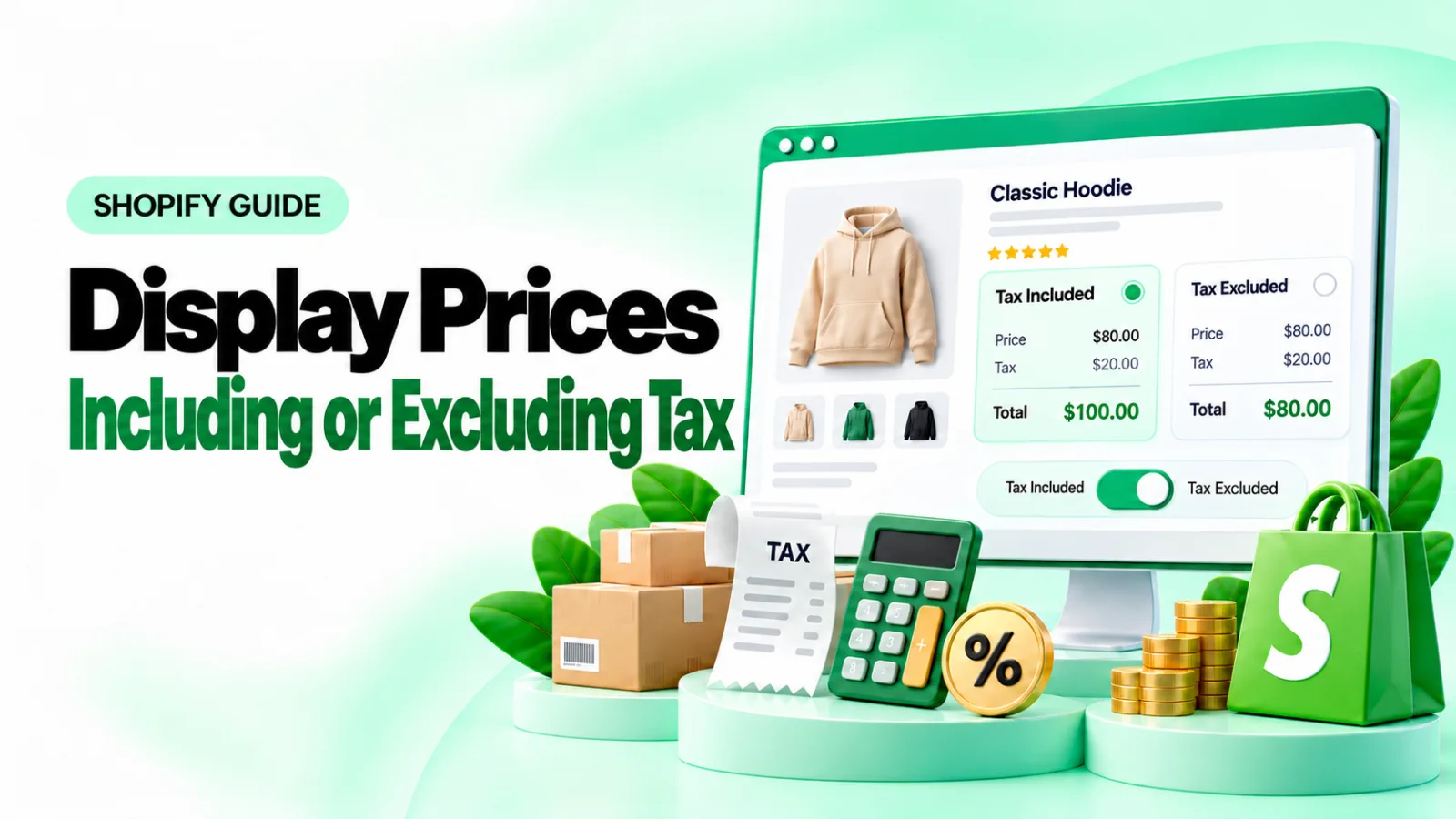
How to Show Tax-Included and Tax-Excluded Prices in Shopify
Help retail and business customers understand your pricing. Learn how to display VAT-inclusive and VAT-exclusive prices on Shopify product and collection pages with the Pluginos VAT Dual Prices app.
Oct 13, 2026 · 15 min read